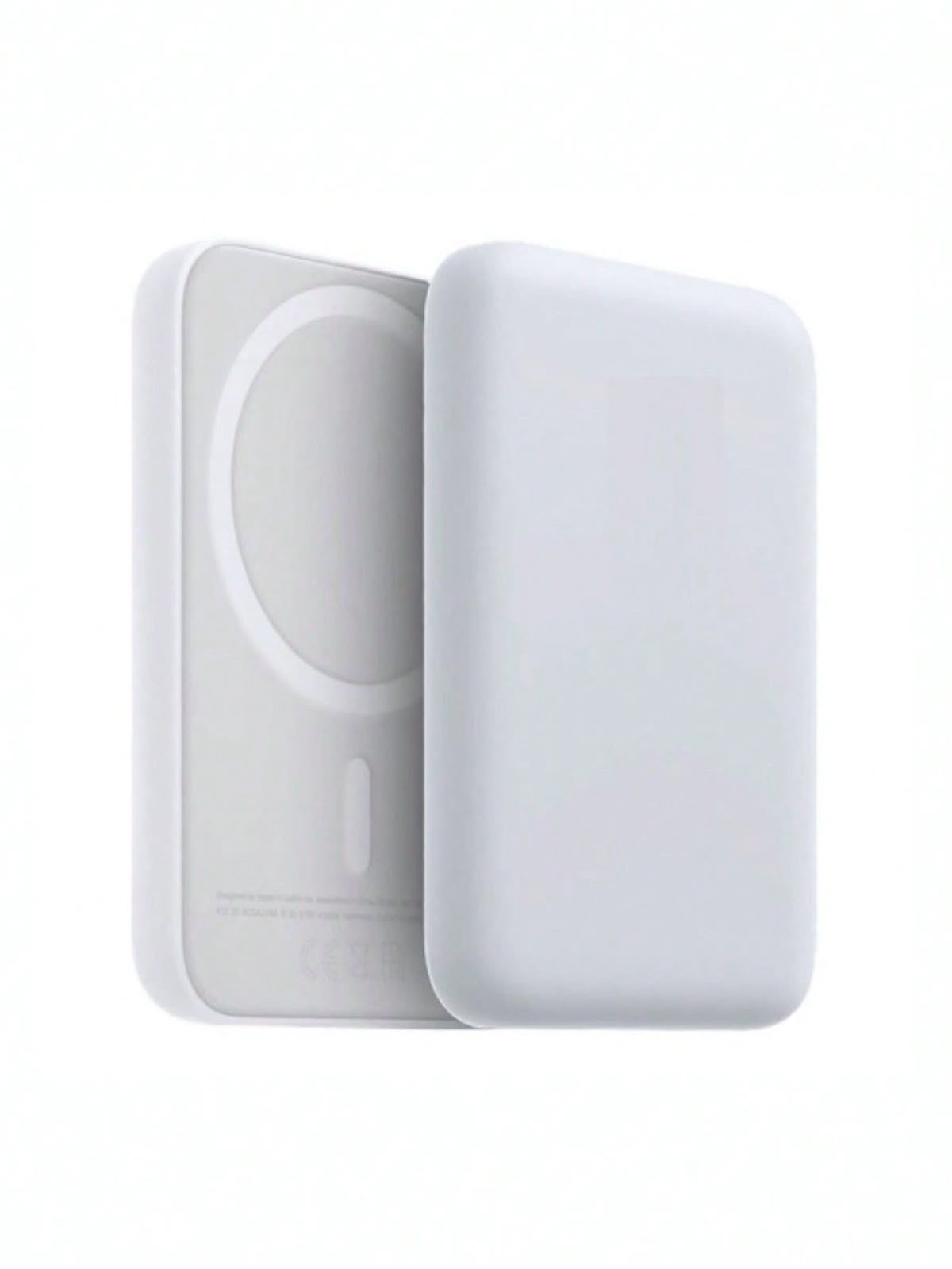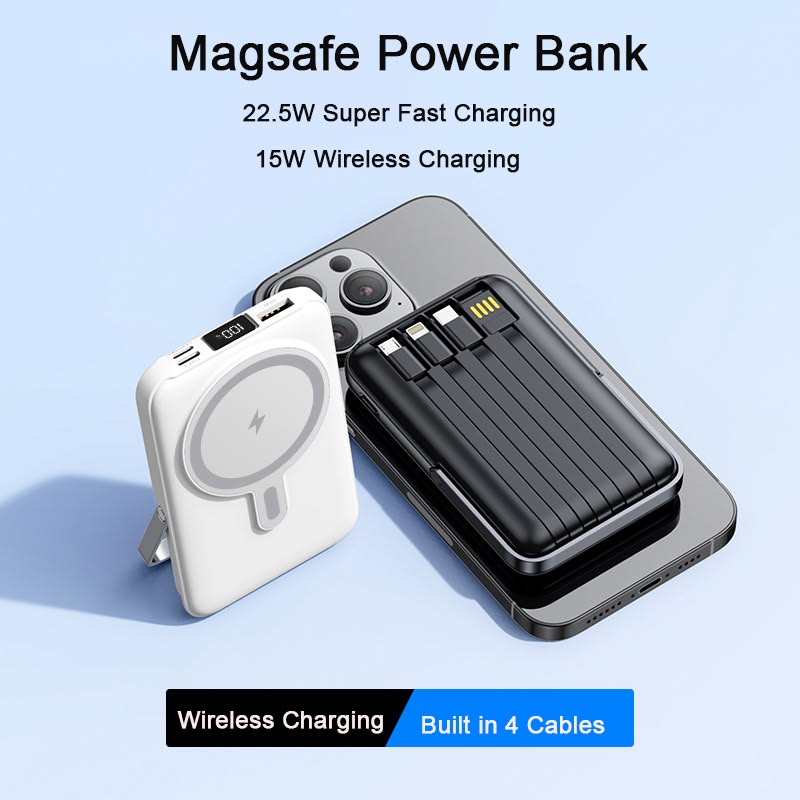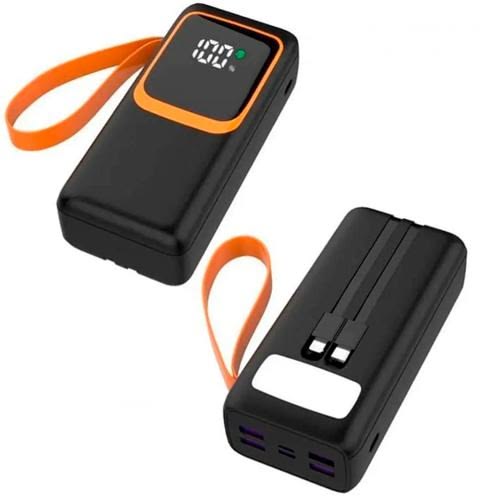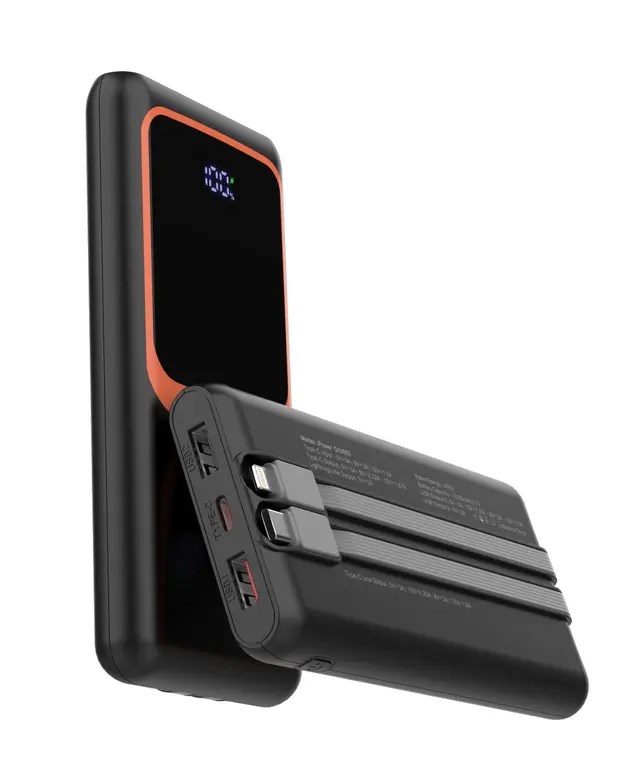








EZVIZ TY2 Security Camera.
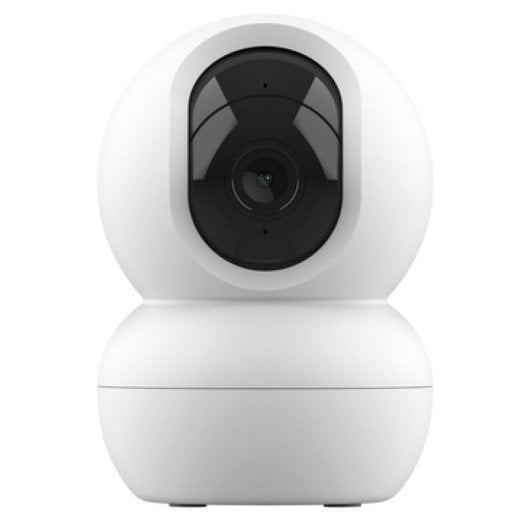
Product Description
Power On the Device: Ensure the camera is plugged into its power source and completely booted up. Expose the Hidden Slot: Manually roll the black circular camera sphere/lens upward toward the top ceiling of its white shell. Locate the Reset Button: Directly beneath the lens glass, you will find a hidden compartment containing the MicroSD card slot and a small RESET button. Hold the Button: Press and hold down the RESET button firmly for about 4 to 5 seconds (up to 10 seconds on some variations). Wait for Confirmation: Release the button when the indicator light flashes or when you hear an audible voice prompt saying "Reset successfully". Reconfigure: The camera will automatically reboot into its default settings. Once the indicator light starts rapidly flashing blue, it is fully ready to pair to a new network via your mobile app.
Specifications
| Brand | Gadgets & Accessories |
| Condition | new |
| Color | White |
| Colors | #ffffff |
| Origin | MADE IN CHINA |
Customer Reviews
Write a Review
No reviews yet. Be the first to review!